 Mini Shell
| Direktori : /scripts/ |
| Current File : //scripts/find_outdated_services |
#!/usr/local/cpanel/3rdparty/bin/perl

#                                      Copyright 2026 WebPros International, LLC
#                                                           All rights reserved.
# copyright@cpanel.net                                         http://cpanel.net
# This code is subject to the cPanel license. Unauthorized copying is prohibited.

package scripts::find_outdated_services;

=encoding utf-8

=head1 NAME

F<scripts/find_outdated_services>

=head1 USAGE

    find_outdated_services [ --always-restart | --never-restart | --auto ]

    find_outdated_services --help

=head1 DESCRIPTION

This command examines your system and identifies any services that are
“outdated”—i.e., that depend on libraries that are no longer present
on the system. This can often happen when such libraries receive updates,
e.g., from C<yum>.

Normal behavior is to ask you whether you’d like to restart the outdated
service(s); however, you can specify the C<--always-restart> or
C<--never-restart> flags
to bypass this prompt and either restart or not, respectively.

The C<--auto> flag is specified when this script is run automatically from
maintenance.  By default, it acts as C<--always-restart>; however, if
C</var/cpanel/disabled/auto-restart-services> exists, it acts as
C<--never-restart> instead.

=head1 EXCLUSION OF INDIVIDUAL SERVICES

You can make this script ignore a given service by including the service
name in F</etc/cpanel/local/ignore_outdated_services>. This file is
newline-delimited. Use a pound character (C<#>) at the start of a line
to indicate a comment. For example, to exclude the services C<cloud-init>
and C<cloud-final>, your file might look thus:

    # Prevent cPanel from checking about the cloud-init service
    cloud-init
    cloud-final

=cut

use strict;
use warnings;

use Try::Tiny;

use IO::Prompt ();

use Cpanel::Alarm                  ();
use Cpanel::ProcessCheck::Outdated ();
use Cpanel::Services::Restart      ();
use Cpanel::SysPkgs                ();

use parent qw( Cpanel::HelpfulScript );

use constant _OPTIONS => (
    'always-restart',
    'never-restart',
    'auto',
);

exit __PACKAGE__->new(@ARGV)->run() if !caller;

sub run {
    my ($self) = @_;

    my $alarm = Cpanel::Alarm->new( 90 * 3600 );    #90 minutes

    $self->say_maketext('Looking for outdated services …');

    my $err;
    my $error_handled;                              # set by catch handlers that resolve the error themselves
    my @services;
    try {

        #For CPANEL-39432: clean and rebuild package manager cache
        Cpanel::SysPkgs->new->clean;
        @services = grep( !m/^httpd\.service$|^cpinit\.service$/, _get_outdated_services() );    # yum hooks already restart apache when needed
    }
    catch {
        $err = $_;
        if ( $err =~ qr/PID \d+ does not belong to any loaded unit/ ) {

            # https://bugzilla.redhat.com/show_bug.cgi?id=2122587
            # TL;DR - systemd-libs got updated so now dbus can't find its hat.
            # As such just say that we need a reboot (phrases were taken
            # from securityadvisor, but since this is a CLI tool, the URL
            # anchor building bits were omitted).
            $self->say_maketext('The system’s core libraries or services have been updated.');
            $self->say_maketext('Reboot the server to ensure the system benefits from these updates.');
            $error_handled = 1;
            return;
        }
        elsif ( $err =~ qr/This system is receiving updates from CloudLinux Network server/ ) {

            # This is caused by a temporary yum failure due to the spacewalk plugin
            # that CloudLinux uses.  Just ignore it for now since needs-restarting
            # is likely to complete successfully next time it executes
            #
            # https://cloudlinux.zendesk.com/hc/en-us/articles/4627231056668-Failed-to-check-whether-running-executables-are-up-to-date-The-system-received-unexpected-output-from-usr-bin-needs-restarting-This-system-is-receiving-updates-from-CloudLinux-Network-server
            #

            $error_handled = 1;
            return;
        }
        elsif ( !try { $err->isa('Cpanel::Exception::Unsupported') } ) {
            local $@ = $err;
            die;
        }
        print STDERR $err;
    };

    # Try::Tiny's catch callback can't short-circuit out of run(), so
    # $err stays set even when the handler dealt with the problem.  Use
    # a separate flag to distinguish "handled gracefully" from "real error".
    return 0 if $error_handled;
    return 1 if $err;
    if (@services) {
        s<\.service\z><> for @services;

        $self->say(q<>);
        $self->say_maketext( 'The system found [quant,_1,outdated service,outdated services]:', 0 + @services );
        $self->say("\t$_") for @services;

        my $proceed_yn = $self->getopt('always-restart');
        $proceed_yn //= $self->getopt('never-restart') ? 0 : undef;
        $proceed_yn //= $self->getopt('auto') ? $self->auto_disabled ? 0 : 1 : undef;

        my $yes = $self->locale()->maketext('Yes');

        $proceed_yn //= IO::Prompt::prompt(
            '-one_char',
            '-yes_no',
            "\n" . $self->locale()->maketext( 'Would you like to restart [numerate,_1,this service,these services]?', 0 + @services ) . ' [y/n]: ',
        );

        if ($proceed_yn) {
            for my $svc (@services) {
                $self->say(q<>);
                $self->say_maketext( 'Restarting “[_1]” …', $svc );

                #Since we don’t report anything other than just
                #success or failure, and we want STDOUT and STDERR
                #to pass through, the system() built-in is fine.
                my $output = Cpanel::Services::Restart::restartservice($svc);

                my $msg;

                if ( $output =~ m/ has failed/ ) {
                    $msg = $self->locale()->maketext( 'The system failed to restart “[_1]”.', $svc );
                }
                else {
                    $msg = $self->locale()->maketext( 'The system has restarted “[_1]”.', $svc );
                }

                $self->say( $self->bold($msg) );
            }
        }
    }
    else {
        $self->say_maketext('The system did not find any outdated services.');
    }

    return 0;
}

sub auto_disabled {
    return -e '/var/cpanel/disabled/auto-restart-services';
}

#----------------------------------------------------------------------

#overridden in tests
BEGIN {
    *_get_outdated_services = *Cpanel::ProcessCheck::Outdated::outdated_services;
}

1;


ParrotFish Japanese Fusion es el lugar donde México le dio un nuevo sabor al sushi, y seguro se convertirá en tu favorito si buscas una cocina audaz y a la vanguardia. Sumérgete en sabores frescos y deliciosos dentro de un espacio moderno, rodeado por los paisajes tropicales de Punta de Mita.
Aquí cada rollo, nigiri y sashimi cuenta una historia y te transporte a la Tierra del Sol Naciente.

ParrotFish fue el primer restaurante de sushi en Punta de Mita y sigue siendo uno de los favoritos tanto de la comunidad local como de viajeros de todo el mundo. Nos encontrarás dentro de Armony Marival Resort & Spa Punta de Mita.
Carretera a Punta de Mita km 8.3, Playa Destiladeras, Bahía de Banderas, Nayarit C.P. 63734, México
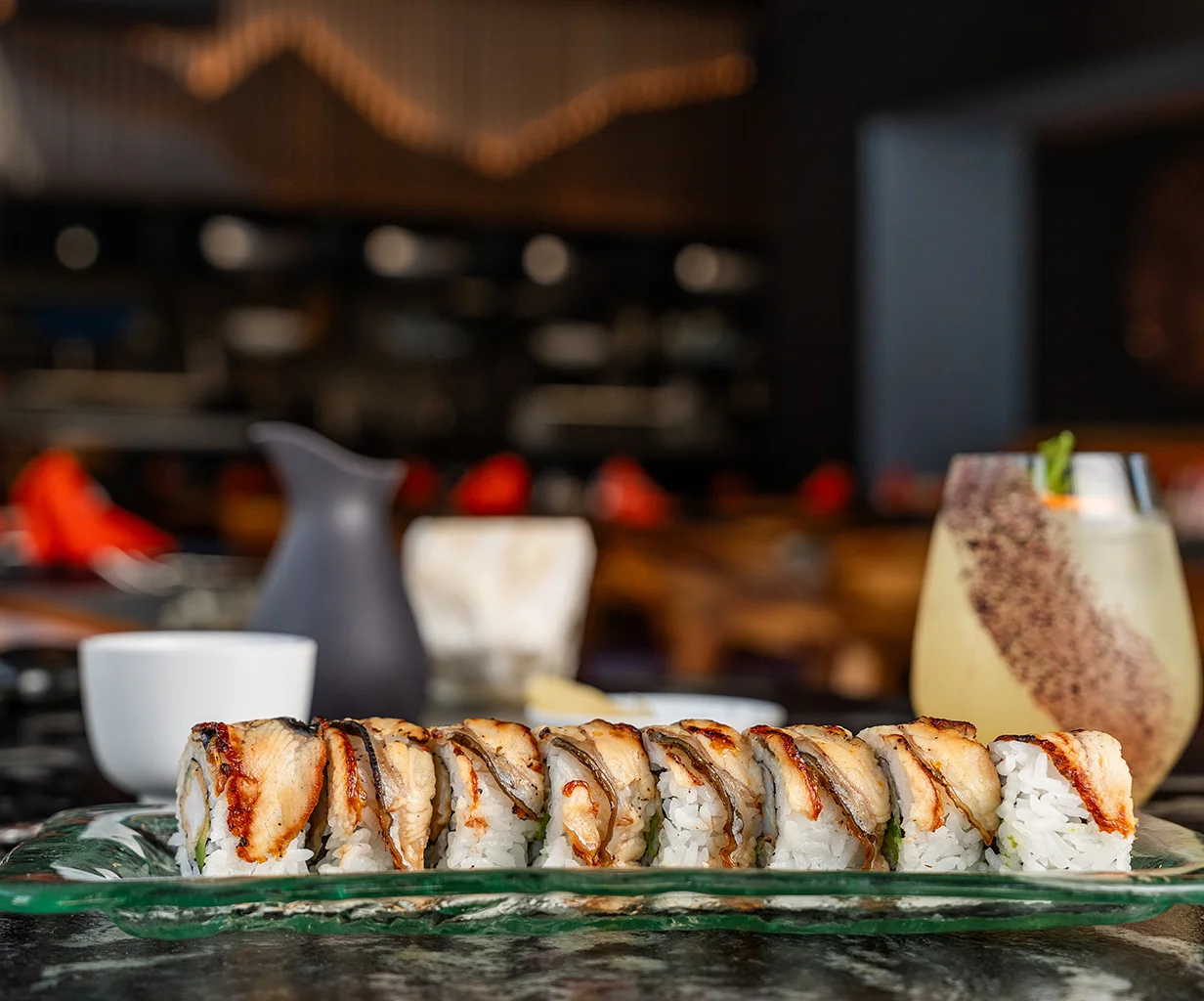
La decoración, inspirada en la belleza natural del Pacífico, junto con platillos llenos de color que evocan el Japón ancestral, dan vida a un espacio donde las culturas japonesa y mexicana no solo se encuentran, sino que entrelazan sus manos en un baile de sabores, memorias y tradición.
Explora nuestra galería y enamórate de la esencia única de ParrotFish Japanese Fusion.
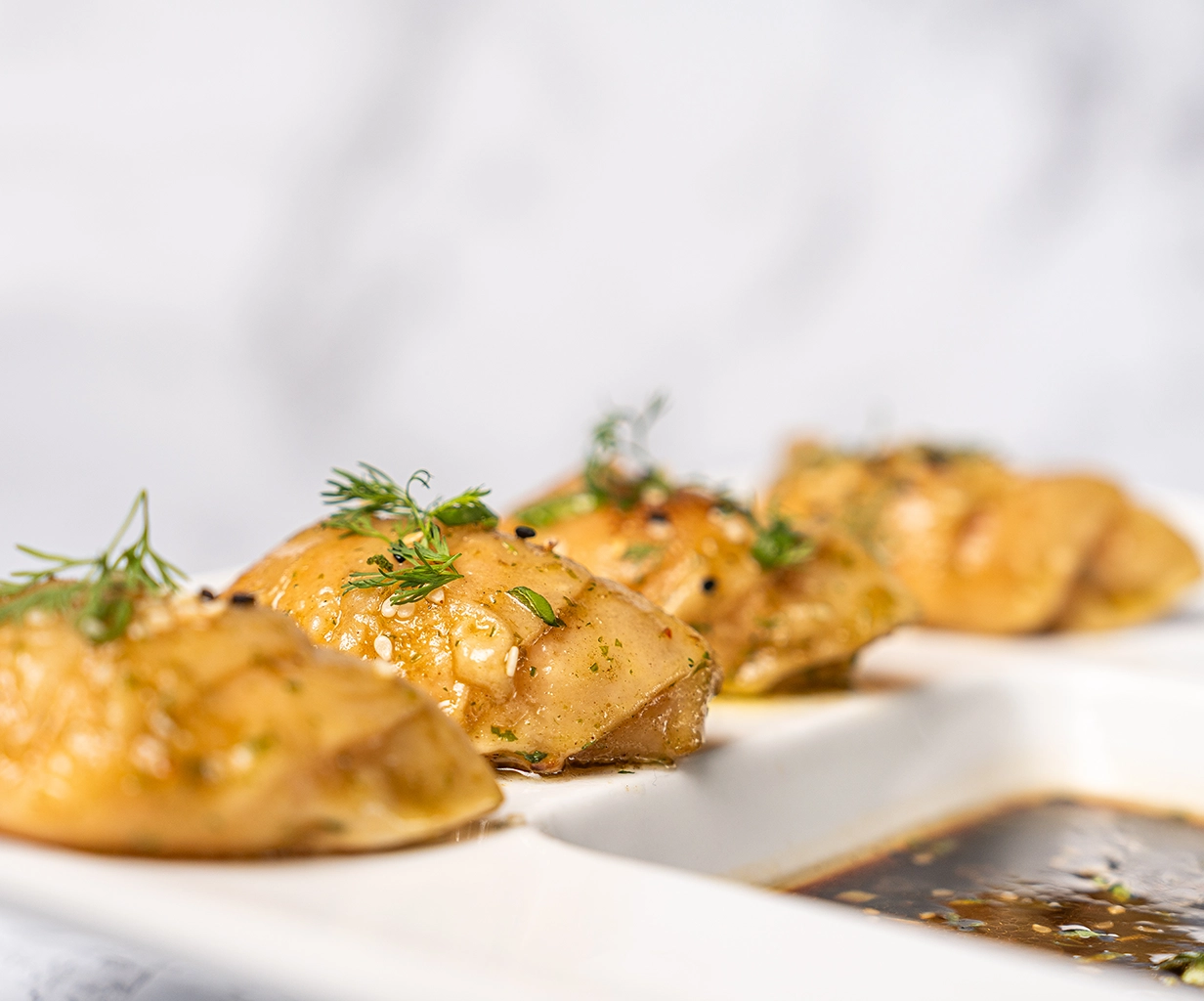
Explora nuestro menú



En ParrotFish, quien guía el filo es el Chef Ejecutivo Benito Hernandez, quien fusiona elegancia y creatividad, evocando el espíritu de tierras lejanas. En la barra, Donat prepara cocteles que se convierten en un ritual de sabor. Juntos, crean una experiencia que rinde homenaje al arte de la cultura japonesa: refinada e inolvidable.
Descubre más

Nueva ubicación dentro de Armony Marival Resort & Spa Punta de Mita

 BLOG
 ENGLISH